

Greetings friends! Its time for dev log #2, this time with a focus on the non combat aspects of designing a RPG game. The combat system is still in the works, but there will be another dev log on that when it is ready to be shown off. For now, its time for overworld movement and interaction!
There is a lot to unpack from that gif. First things first, the game is inspired by many other games. Most notably Paper Mario, Octopath traveler, and Tokyo mirage sessions. I will be talking about these games a lot over these dev logs and the connection will be made clear. An overworld in games typically serves as the place where the player navigates around the world, learns the story, and begins fights. They can also solve puzzles and interact with chests, doors, and save points. Essentially the overworld acts as the anchor point for everything else in the game, and ties it all together.
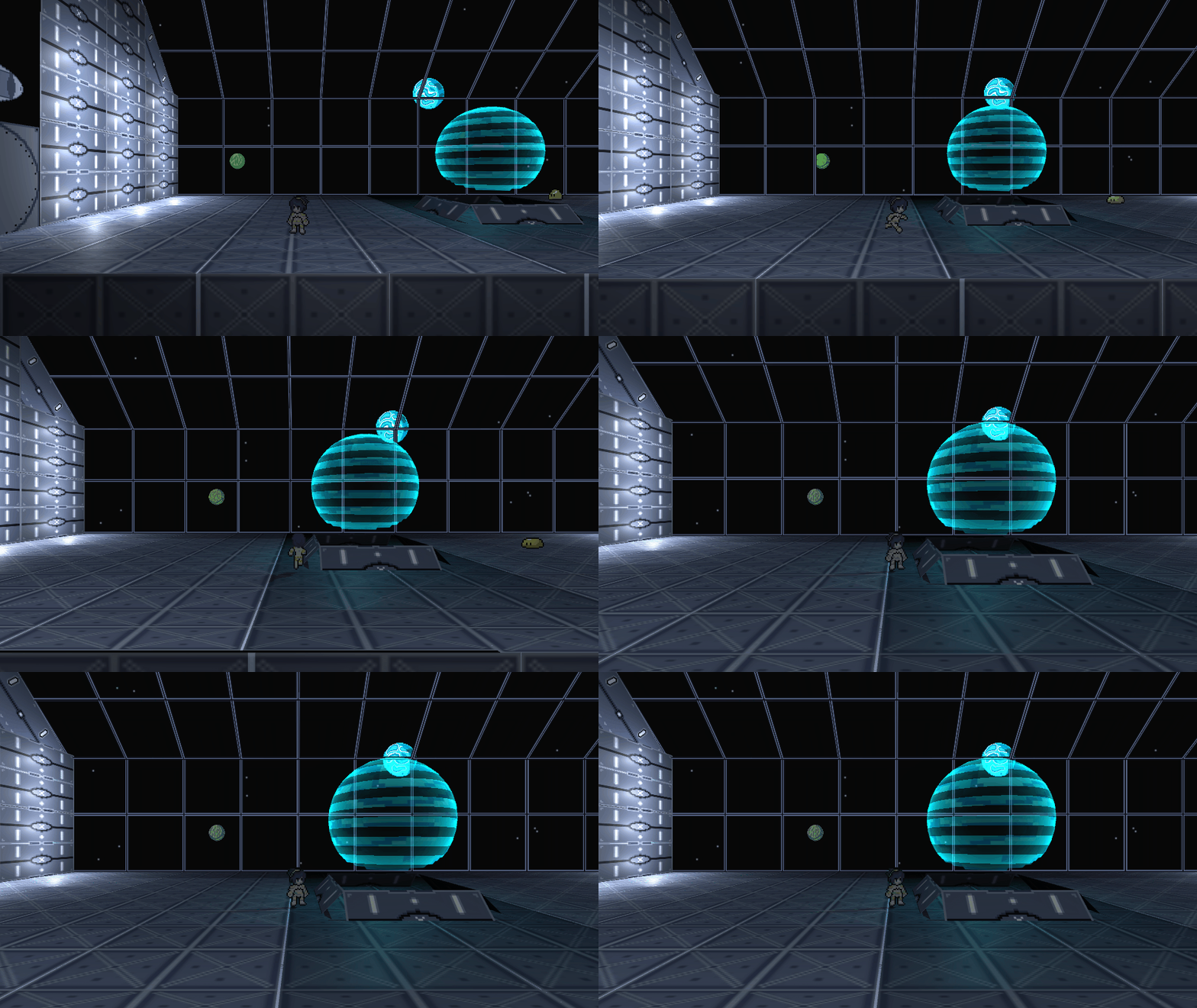
Next lets go over the player movement, Unity has a couple ways that you can control the player. Either by just changing the coordinates of the character game object around the scene. Or using unity’s built in character controller script. Both of these are great options, but I decided to make my own using the transform system. The position of the character is changed depending on which direction the player presses on the wasd or arrow keys, and then the animation reacts to it as well. Flipping the direction depending on the most recent direction the character is heading in. The animations were made by myself, with the Octopath traveler sprites as a reference. This allows the character to move freely about the 3D space and the animations match well with the character, creating a paper like effect, similar to those seen in Paper Mario. However with that I also decided to make some 3D objects in the world, creating an interesting clash in styles. This is my simple player movement script.
void Update()
 //update is called every frame
    {
        //this stops the player from moving
        if (!lockMovement)
        {
            vector3Move = new Vector3(Input.GetAxis("Horizontal"), 0, Input.GetAxis("Vertical"));
            if (Input.GetAxis("Horizontal") < -.1)
            {
                sr.flipX = false;
                a.SetBool("Moving", true);
            }
            else if (Input.GetAxis("Horizontal") > .1)
            {
                sr.flipX = true;
                a.SetBool("Moving", true);
            }
            else
            {
                a.SetBool("Moving", false);
            }

            if (Input.GetAxis("Vertical") > .1)
            {
                a.SetBool("Moving back", true);

            }
            else
            {
                a.SetBool("Moving back", false);

            }

            if (Input.GetAxis("Vertical") < -.1)
            {
                a.SetBool("Moving f", true);

            }
            else
            {
                a.SetBool("Moving f", false);

            }


            transform.Translate(vector3Move * playerSpeed * Time.deltaTime, Space.World);
//this actually moves the object in the world
            if (rb)
            {
                rb.freezeRotation = true;
            }
        }
    }
Interaction is also extremely easy to implement, using unity’s tag systems. You can make a unique interaction script that can be attached to any object allowing the player to interact with many objects in the world easily. Alternatively you can just add colliders around the object that the player should interact with. This would mean that you would have to create a new script for each object you want to be interactable, but it isn’t complex to do. You can use this for dialogue when a player is looking at something within the level, or to open up a chest and grant them an item. As well as interact with save points, and other related overworld systems. This is my simple chest script.
 void Update()
    {
        if(canOpen && Input.GetKeyDown(KeyCode.E) && !opened)
        {
            canOpen = false;
            a.SetBool("Open", true);
            switch(itemToAdd)
            {
                case 1:
                    IM.HPpotionCount++;
                    break;

                case 2:
                    IM.MPpotionCount++;
                    break;

            }


        }
    }

    public void spawnItemText()
//this spawns a text box that tells the player what item they obtained
    {
        GameObject temp = Instantiate(itemText, gameObject.transform.position, gameObject.transform.rotation);
        temp.GetComponent<UIFader>().text.text = text;
    }


    public void OnTriggerEnter(Collider other)
//unity collision detection
    {
        if(other.CompareTag("Player"))
        {
            canOpen = true;
        }
    }

    public void OnTriggerExit(Collider other)
    {
        if (other.CompareTag("Player"))
        {
            canOpen = false;
        }
    }
Game of the week
With the massive fiesta that is Cyberpunk 2077 happening right now, because the game got removed from the PlayStation store. I’d like to talk about a game I enjoyed from earlier this year, No Straight Roads. This game was an action RPG rhythm game with a focus on fighting different EDM artists to take control of a musical themed city. The game itself wasn’t anything extravagant, and I had some texture issues when playing it on switch. The combat also was a little rough around the edges in the final portions of the game. Each fight they just continued to increase the damage attacks did when they hit you, and it felt that they were no longer tied to the music so they were extremely hard to dodge. More damage != more challenging, this was a problem I had with the final boss because there was no good way to increase your health pool in a relevant enough way to stop yourself from getting 3 shot by the boss. However the soundtrack itself was outstanding, every fight had a unique track to go with it, themed to the person you were fighting against. They also released a free Christmas update with Christmas themed versions of the songs recently, that I can’t wait to check out.
Until next time,
Ryan o/
 VENTUS GAMES